.png?width=260&height=260&name=Customer-Alliance-Horizontal-logo-on-light%20(2).png)

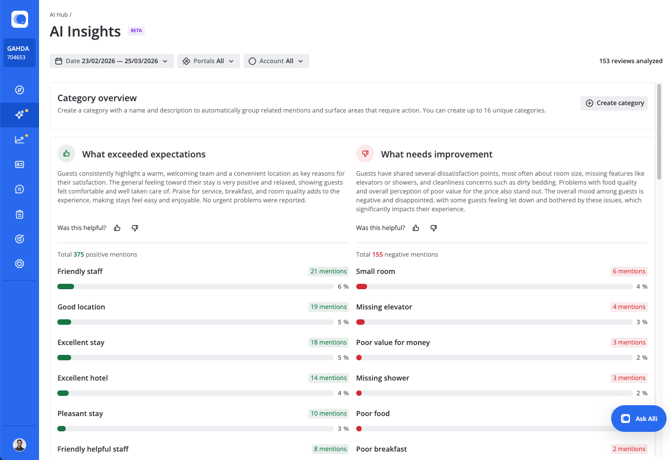
In order to create a new category, click Create category and fill in data in the popup, following provided example:
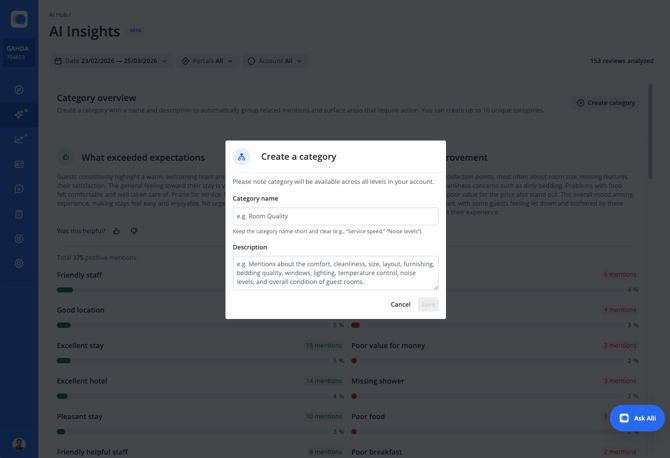
Once you click Save, category is created and data is being processed, this takes up to a few minutes and then after refresh data will become available.
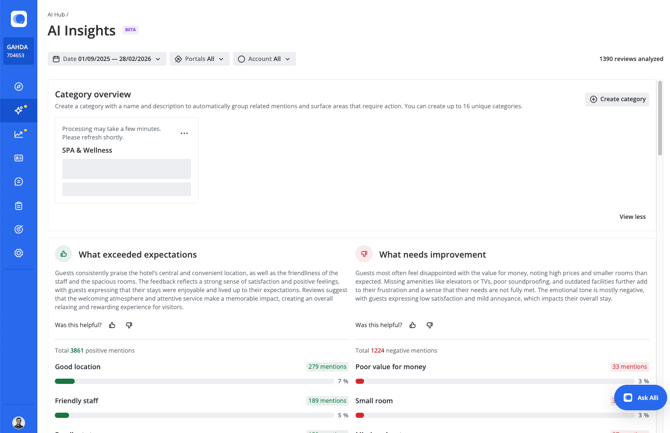
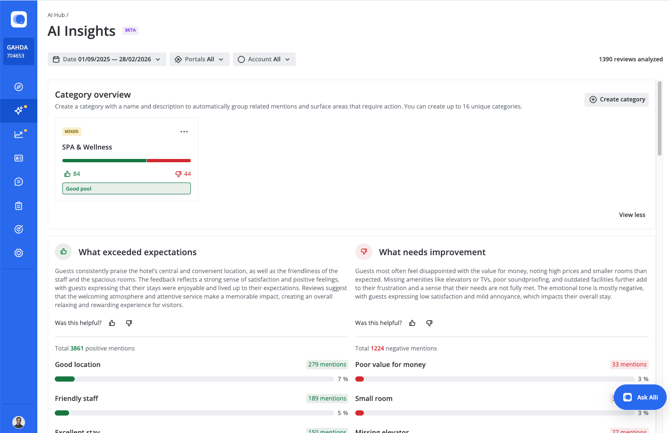
To see mentions that are grouped under this category click on the category box and results below will be filtered:
To undo filtering, simply click on the category again.
When there are more than 4 categories created, you can access them by expanding the category overview section. This action is remembered, thus next time you come to this page or will refresh it, you will see either expanded or collapsed view of the categories.
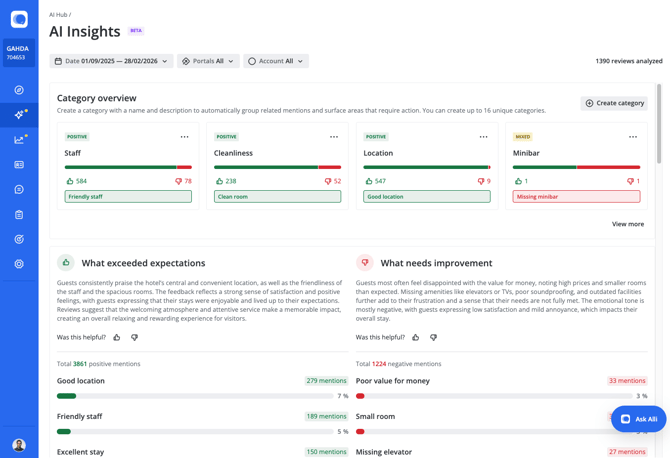
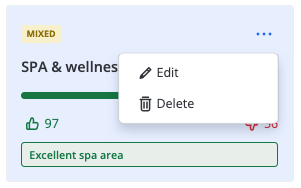
Categories can be edited, then reprocessing of data will start. Also, categories that are not relevant anymore can be deleted.